
Free • Easy setup • Works on every Firestick • TiviMate for power users • Free trial
Why the Player App Matters on Firestick
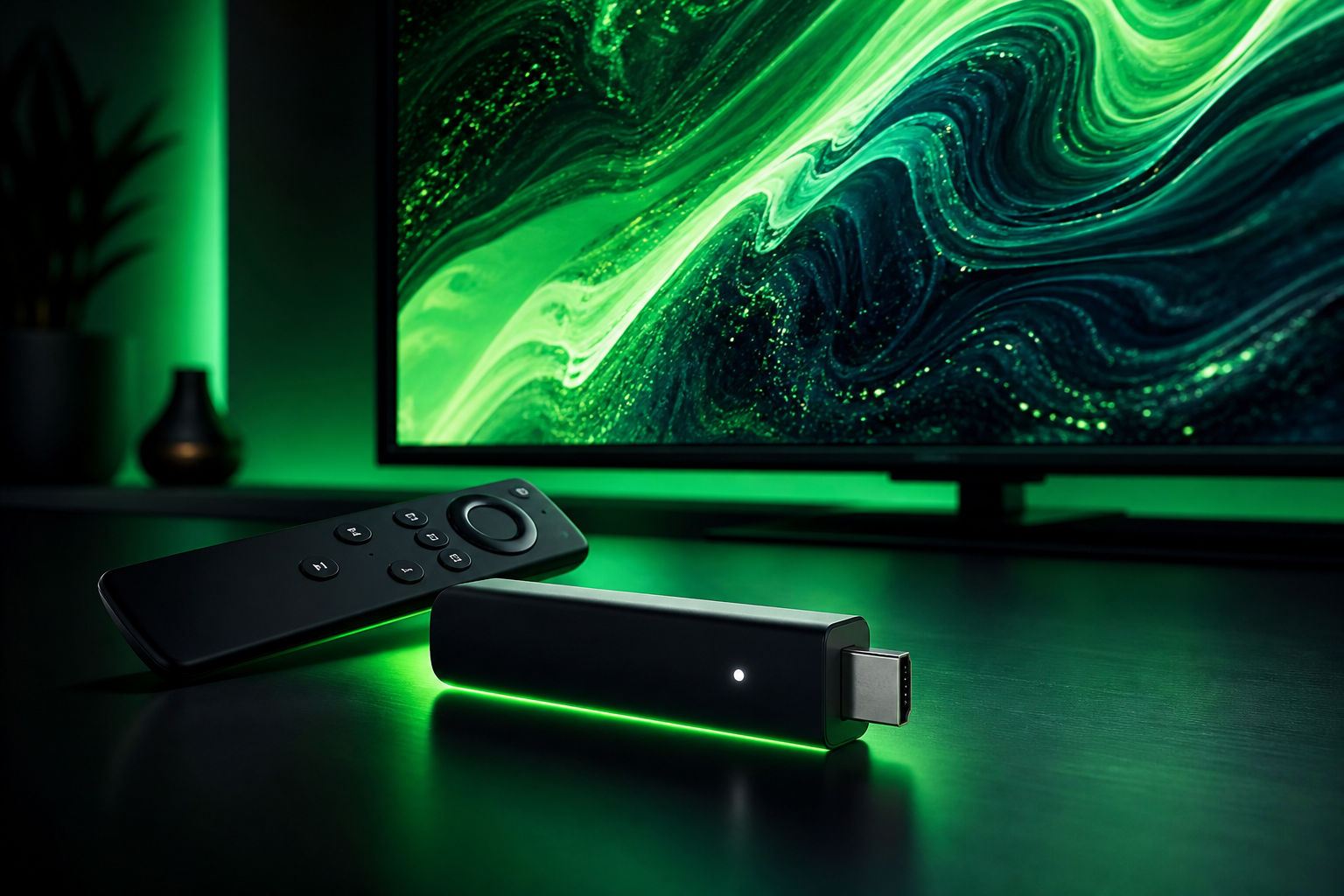
Your Firestick has no channels on its own. It is a platform, and the app you install decides what you see and how easy it is to watch. A good IPTV player loads your channel list fast, zaps between channels quickly and keeps your place in the EPG. A bad one re-buffers, forgets your favorites and makes browsing painful during a match.
The good news: a Firestick and a solid subscription like BEST4K work with several players, so you are never locked into one app. Test the free trial, try an app, and keep what feels right.
The Best IPTV Players for Firestick (2026)
1. IPTV Smarters Pro
The default choice and the easiest. IPTV Smarters Pro is free, available from the Amazon Appstore, and supports both M3U and Xtream. It shows live TV, movies and series in clear sections, and it works on Firestick, Android, iOS and PC. Setup takes minutes with the credentials from BEST4K.
2. TiviMate
The favorite of people who watch a lot of live TV. TiviMate has a polished TV guide, fast channel zapping and strong favorites management. It costs a small one-time fee for the full version (roughly £8), and it is worth it if you want the smoothest experience for sport.
3. IPTV Smarters Player (Lite)
A lighter version that works for those who want something simple. It is a good fallback if the main app is unavailable on your device version.
4. VLC or MX Player
These general media apps can open an M3U file, and they are handy for a quick test. They lack the TV guide and VOD layout of a dedicated IPTV player, so they work best as a backup, not a daily driver.
How to Install an IPTV Player on Firestick
- From the Firestick home screen, open the Amazon Appstore and search for "IPTV Smarters Pro" or "TiviMate".
- Install the app, then open it from "Your Apps & Channels".
- Add your BEST4K provider, pasting your M3U URL or Xtream credentials from WhatsApp.
- Load the playlist, pick a channel and confirm the stream works.
For a complete Firestick setup walkthrough, read our guide to the best IPTV for Firestick, and if you are deciding on a box, see best streaming device for IPTV.
Which Player Should You Choose?
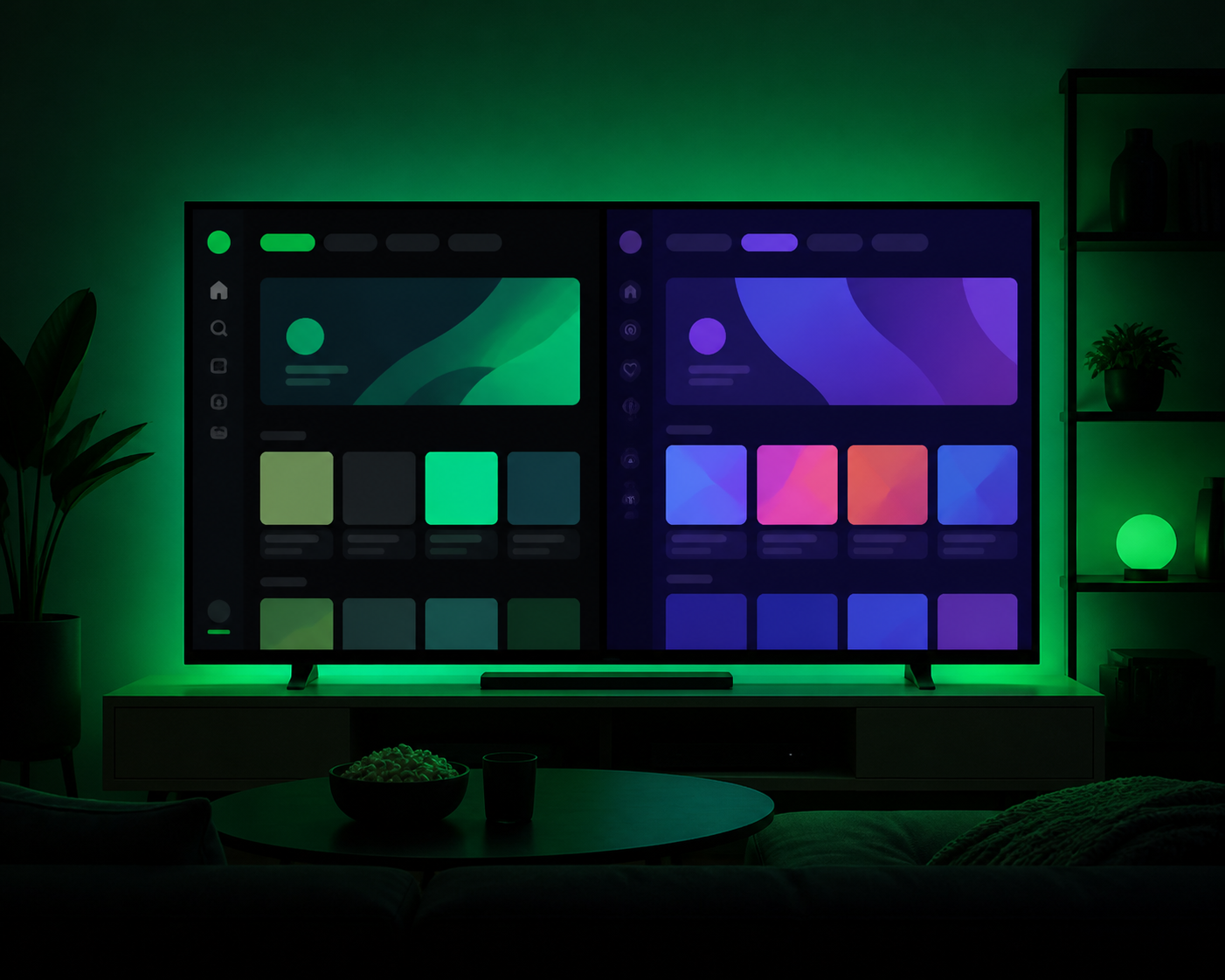
If you want something that simply works with no fuss, start with IPTV Smarters Pro. If you watch a lot of live sport and want fast zapping with a nicer guide, pay for TiviMate. Both run BEST4K's full line-up, so you can switch freely. Since the subscription includes a free trial, install an app, test your favorite channels, and pick what feels best.
How Much Does a Firestick IPTV Setup Cost?
- The player app: IPTV Smarters Pro is free; TiviMate is a small one-time fee.
- BEST4K subscription: £25.99 for 3 months, £39.99 for 6, £64.99 for 12.
- Fire TV Stick is bought once and stays yours.
The whole setup, app plus subscription, costs far less than one month of a traditional TV package.
WhatsApp: +44 7463 208245 • Telegram: @Tv8ku
Works with IPTV Smarters & TiviMate • No card required • 7-day guarantee
Best IPTV Player Firestick — FAQ
What is the best IPTV player for Firestick?
IPTV Smarters Pro is the best all-round pick: free, easy and reliable. TiviMate is the top choice for a faster interface and a cleaner TV guide, especially for live sport.
Is an IPTV player free on Firestick?
IPTV Smarters Pro is free from the Amazon Appstore. TiviMate has a small one-time fee for the full version. Both work with BEST4K.
How do I add BEST4K to my IPTV player?
Install the player, choose "Add provider", paste your M3U URL or Xtream credentials from WhatsApp, and load the list. It takes about five minutes.
Which player is best for live sport on Firestick?
TiviMate is the best for live sport because of its fast zapping and polished guide. IPTV Smarters Pro is a reliable free alternative.