
Best device: Amazon Fire TV Stick 4K (or 4K Max)
Bug-free IPTV: BEST4K — anti-freeze servers, 99.9% uptime, real 24/7 support
What Is the Best Streaming Device for IPTV?
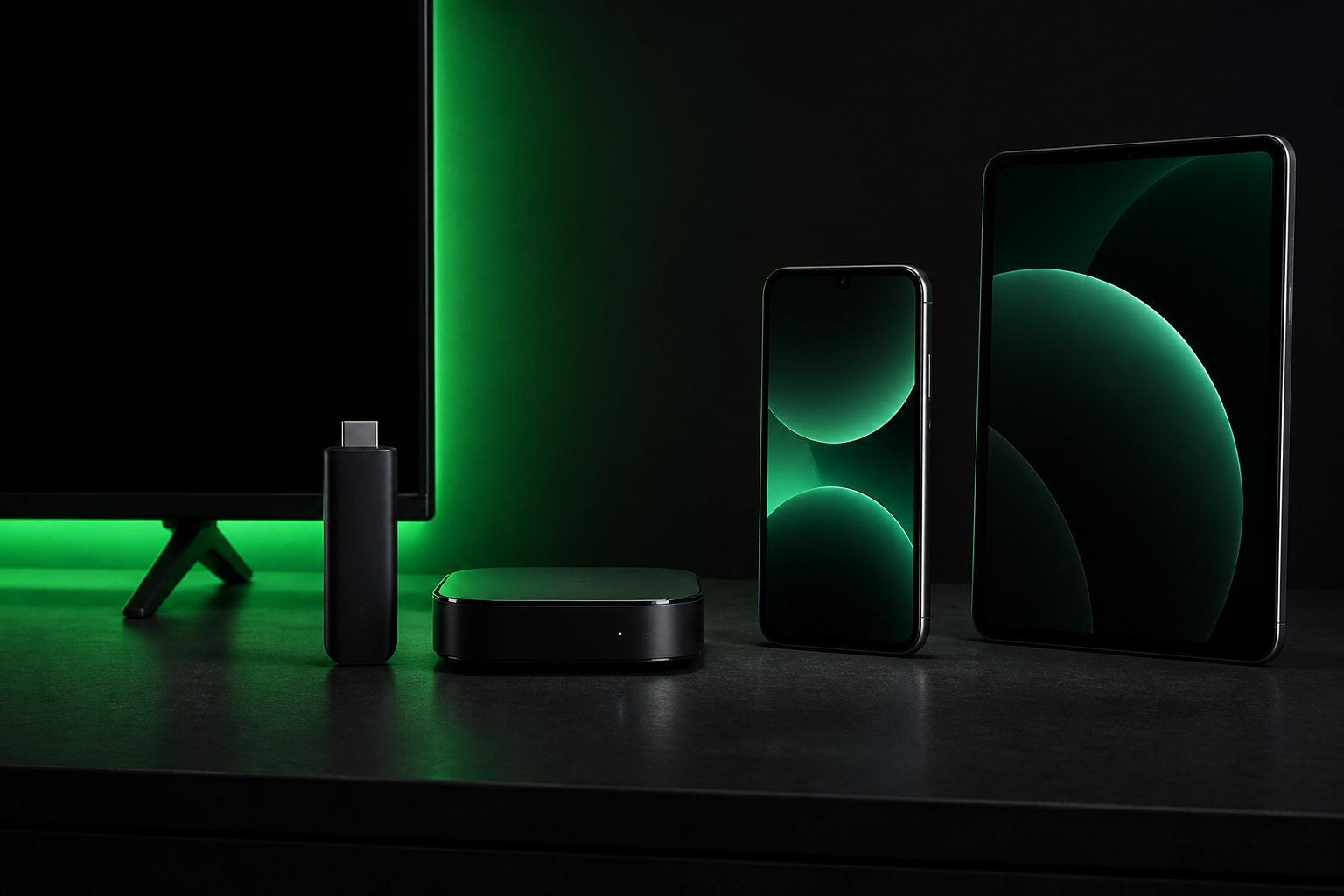
Ask any IPTV user what they watch on and most will name the same little black stick. The Amazon Fire TV Stick family dominates IPTV for good reasons, but let's compare it honestly against the other options before you spend a penny.
🔥 Amazon Fire TV Stick 4K — The Winner
The Fire TV Stick 4K is the sweet spot for IPTV. It costs around £40-£50, plugs straight into your TV's HDMI port, and has enough power to run IPTV Smarters, TiviMate and every other player without stuttering. The 4K Max version adds faster Wi-Fi and more RAM for heavy users.
- ✅ Cheap and easy: plug in, connect Wi-Fi, install Downloader, done
- ✅ Runs all major IPTV apps (IPTV Smarters, TiviMate, VLC)
- ✅ Alexa voice search built in
- ✅ 4K, HDR and Dolby Vision support
- ✅ The device most UK IPTV users already own
📺 Android TV Boxes — Powerful but Clunkier
Boxes like the Nvidia Shield or generic Android boxes give you more raw power and Ethernet ports (great for stable streaming). The trade-off: higher price, more setup fuss, and remote controls that feel dated. If you want the ultimate performance and don't mind extra cost, an Android box is a solid alternative. For everyone else, the Firestick wins on value.
📱 Smart TVs — Convenient but Limited
Most modern Samsung, LG and Sony TVs run IPTV apps directly from their app stores. It's the most convenient option — no extra hardware at all. The catch: TV app stores are slower to update, older TVs lose support, and some models struggle with 4K streams. Great as a secondary screen, less ideal as your main setup.
📱 Phones, Tablets, PC and Mac
Every IPTV subscription should work on your phone, tablet and computer too. That's the beauty of IPTV — one login, every screen. But for the living room, a dedicated streaming device still gives the smoothest TV experience.
How to Get IPTV Without Bugs: The Real Checklist
If you've searched "IPTV subscription without bugs", you probably tried a budget service and watched it buffer at the worst moment. Here's the truth: bugs, buffering and dead channels come from the provider, not your device. Here's the checklist to find one that actually works:
1. Anti-Freeze Server Technology
Anti-freeze servers monitor stream quality and switch you to the best route automatically when one path degrades. It's the difference between watching the match or watching a loading spinner. BEST4K runs this technology on every channel.
2. UK-Optimized Infrastructure
Servers close to UK ISPs mean faster, stable connections. Providers hosting everything overseas will buffer more, no matter how fast your broadband is. Our network is tuned for UK connections specifically.
3. A Healthy Channel List
Dead links are the most common "bug". Look for a provider that openly monitors and repairs channels around the clock. 120,000 channels is meaningless if a third of them don't load.
4. Real 24/7 Human Support
When something goes wrong at 11pm, a ticket system won't save your evening. Human support on WhatsApp that answers in minutes — that's what turns a frustrating bug into a five-minute fix.
5. A Free Trial to Test Before You Pay
The only reliable way to know if an IPTV service is bug-free is to test it yourself — ideally on a busy evening. Our 24-hour free trial gives you the full service with no credit card required. Test the exact channels you care about, at peak time, on your own connection.
Setting Up Your Firestick for Bug-Free IPTV
- Install Downloader from the Amazon Appstore.
- Enable unknown sources: Settings → My Fire TV → Developer Options → Apps from Unknown Sources.
- Install IPTV Smarters using the URL we provide after you subscribe (or find it directly in recent app stores).
- Enter your Xtream Codes login — username, password, server URL.
- Watch. If anything looks off, message us and we fix it live with you.
Need visuals? Our Setup Guide page walks through every device step by step.
Our Promise: No Bugs, or Your Money Back
We don't just claim to be bug-free — we back it with a 7-day money-back guarantee. If our service doesn't live up to the promise, you get a full refund. And with the free trial first, you can verify everything before paying a single pound.
WhatsApp: +44 7853 116 533 • Telegram: @Tv8ku
Free 24h trial • Anti-freeze servers • 7-day guarantee
Best Streaming Device for IPTV — FAQ
Is Firestick the best device for IPTV?
For most people, yes — the Fire TV Stick 4K is affordable, easy to set up and runs all major IPTV apps smoothly. Android boxes are more powerful but cost more; Smart TVs are convenient but less reliable for heavy streaming.
How do I stop IPTV from buffering?
Buffering is usually a provider problem. Use a service with anti-freeze servers and UK-optimized routes, a stable internet connection (wired/Ethernet if possible), and a device from the last few years.
Can I test IPTV before subscribing?
Yes. BEST4K offers a free 24-hour trial with full access — no card required. Test on your own device and connection before paying anything.