
Your device + your broadband + the provider's servers = your picture quality.
Weak servers = buffering. Strong networks (like ours) = smooth 4K.

What Is an IPTV Network?
An IPTV network is the infrastructure behind your subscription: a system of servers that hold the channel streams and deliver them to your device over the internet. When you press "play" on a channel, your IPTV app doesn't download a file — it receives a continuous live stream travelling from the provider's servers through the internet to your home connection.
That's why the network matters more than any app or device. The fanciest Firestick in the world still buffers if the streams it connects to are weak.
The Chain of a Live IPTV Stream
Here's what happens, step by step, when you open a channel:
- Your device connects to the provider's channel list (the playlist updated with the current server addresses).
- The app requests the stream from the best available server for your location.
- Servers deliver the stream in packets over the internet, adapted to your connection speed.
- Your player decodes and displays it — live, in HD, FHD or 4K depending on the channel and connection.
Any weak link in that chain — a congested server, a slow route, ISP throttling — shows up as buffering or frozen frames. Premium providers design the whole chain so the weak links don't exist.
Why Some IPTV Networks Buffer
Buffering is almost never your fault and almost never your device's fault. The usual culprits:
- ⚠️ Overloaded servers: too many customers on too few machines, especially at peak times (every Saturday 3pm).
- ⚠️ Single points of failure: no backup routes when one server or route fails.
- ⚠️ Overseas hosting: streams that cross continents arrive late and unstable for UK viewers.
- ⚠️ No monitoring: dead channels stay dead for weeks because nobody watches the network.
How a Premium IPTV Network Fixes All of That
Anti-Freeze Technology
Anti-freeze systems watch the quality of every stream in real time. When a route starts degrading, the stream is switched to a healthier server automatically — usually fast enough that you never see the problem. This is the technology we run across our whole network.
UK-Optimized Routing
Streams that stay inside the UK arrive faster and steadier. We tune our network for UK ISPs specifically, so your Saturday match isn't travelling halfway around the planet.
Redundant Servers
Premium networks run multiple servers per channel group. If one server fails, another takes over instantly. Single points of failure are engineered out.
24/7 Monitoring
Someone is always watching the network. Dead channels are detected and repaired around the clock — not discovered by customers weeks later.
What Does This Mean for You?
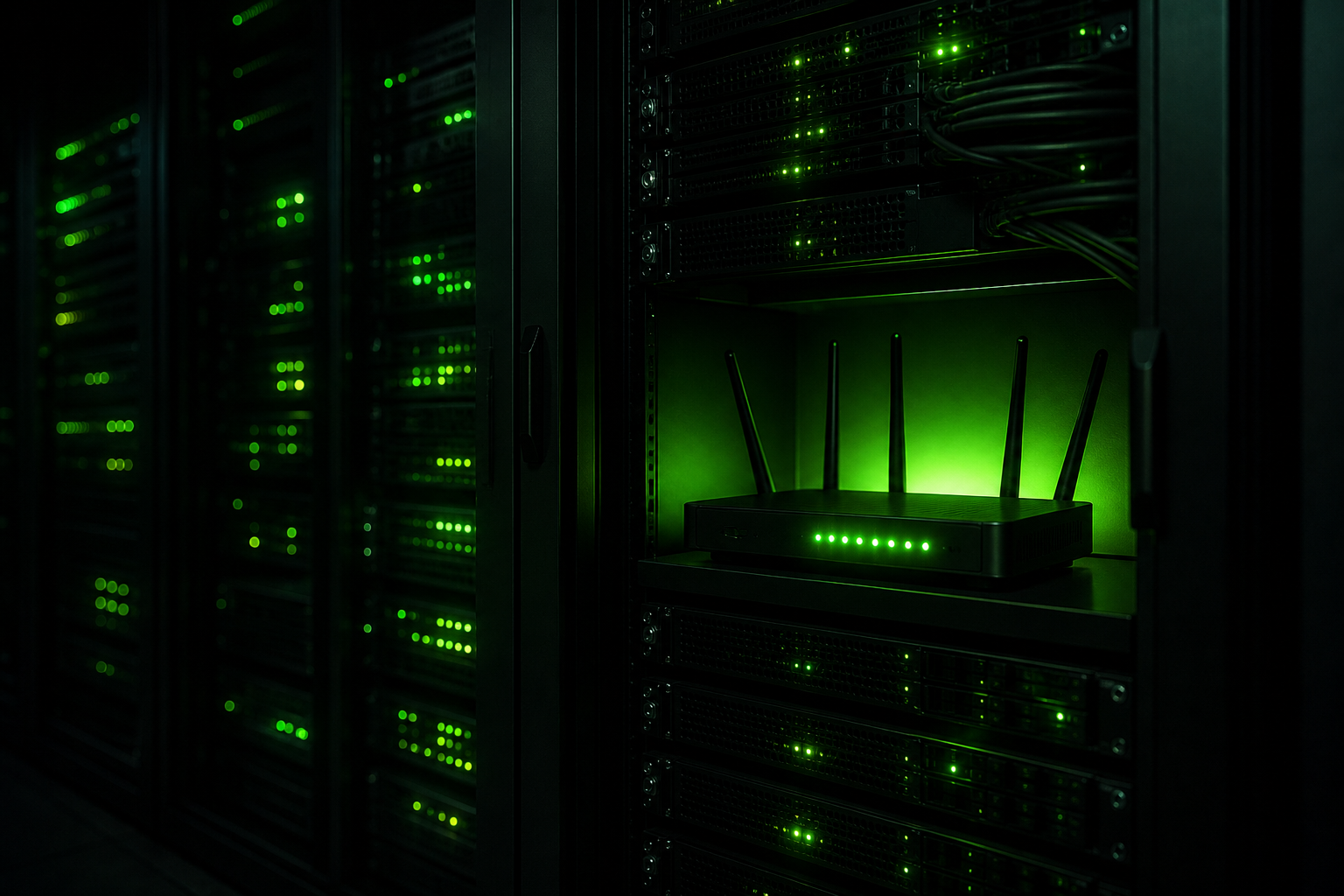
Put simply: a well-built IPTV network means you stop thinking about the technology and just watch. Channels open fast, 4K holds, and "it's buffering" disappears from your vocabulary. And on the rare occasion something does need attention, our 24/7 support fixes it while you wait on the line.
You can also help your own connection a little: a wired connection (Ethernet) beats Wi-Fi for streaming, and a broadband speed of 25 Mbps or more comfortably supports 4K. But the network on the other end is the part you can't fix yourself — so choose a provider that invests in it.
BEST4K Network at a Glance
- ✅ Anti-freeze servers on every channel
- ✅ UK-optimized routes for stable UK streaming
- ✅ 120,000+ live channels, monitored 24/7
- ✅ 4K, FHD and HD quality throughout
- ✅ 99.9% uptime target
- ✅ Redundant servers with automatic failover
WhatsApp: +44 7853 116 533 • Telegram: @Tv8ku
Grab a free 24-hour trial and put our network to the peak-time test
IPTV Network — FAQ
Is my internet connection good enough for IPTV?
In nearly every UK household, yes. 10 Mbps is enough for stable HD, and 25 Mbps comfortably handles 4K. Even so, the provider's network matters more — a strong network works fine on average connections.
Why does IPTV buffer on my Firestick?
Usually it's the provider's servers, not your stick. If you buffer on one service but not another, the difference is the network. Our anti-freeze servers and UK routing are designed to eliminate exactly this.
Can I test the BEST4K network for free?
Yes — take the 24-hour free trial and test at peak time (a weekend evening). No card required, and if you subscribe later you're protected by the 7-day guarantee.