
Install an IPTV app → enter your login → watch 120,000+ channels and 160,000+ VOD titles on your Samsung
Can You Watch IPTV on a Samsung Smart TV?
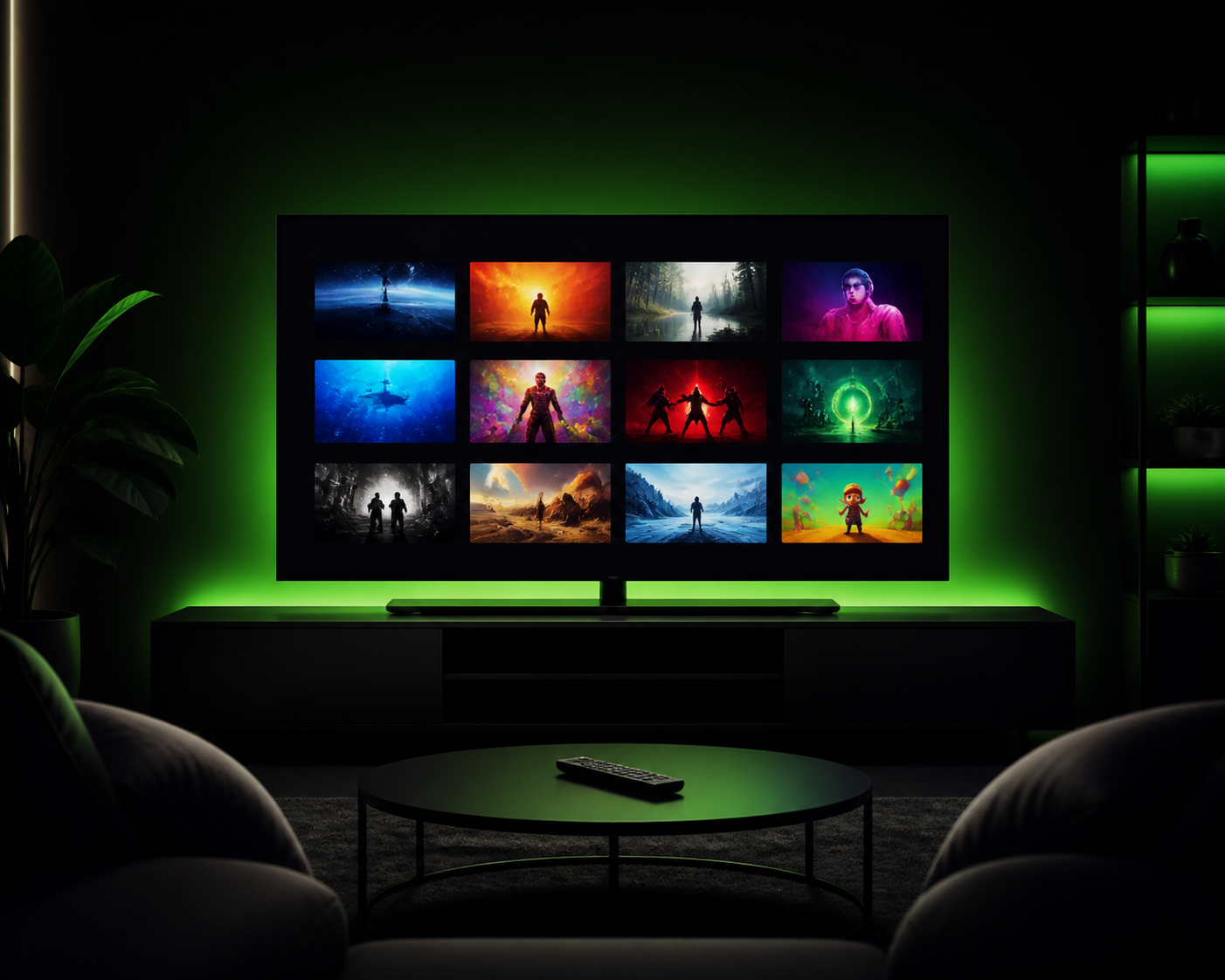
Yes — and it's easier than most people expect. Samsung Smart TVs run their own app store (Samsung Apps / Smart Hub), which includes several excellent IPTV player apps. You don't need a Firestick, a box or any extra hardware. Your Samsung TV is already capable of streaming the full BEST4K service on its own.
This is one of the most searched questions about IPTV in the UK, so let's walk through it properly — including which Samsung TVs work, which app to choose, and how to fix the common setup snags.
Which Samsung TVs Support IPTV?
Practically any Samsung Smart TV from roughly 2016 onwards can run IPTV apps. That includes:
- ✅ Samsung QLED and Neo QLED series
- ✅ Samsung Crystal UHD series
- ✅ Samsung Frame and Serif TVs
- ✅ Older LED and UHD models with Smart Hub
The one exception: very old models (pre-2016) may have an outdated Smart Hub that no longer receives app updates. If your TV is older than that, a £40 Firestick is the fastest route to the same content.
Which App Should You Install?
Samsung's Smart Hub offers two solid IPTV players:
1. IPTV Smarters
The most popular choice among UK users. It supports Xtream Codes login — which is exactly the format our accounts use (username, password, server URL). The interface is clean, supports EPG and VOD, and works smoothly on Tizen (Samsung's operating system).
2. TiviMate
TiviMate is beloved for its polished, TV-guide-style interface. On supported Samsung models it's a great alternative, especially if you want a traditional "grid of channels" feel.
Both are free to install. Our team can tell you which one suits your exact Samsung model — just ask on WhatsApp and we'll send the right steps.
How to Set Up IPTV on Your Samsung TV
Follow these steps:
- Open Samsung Smart Hub / Apps from your remote's home button.
- Search for IPTV Smarters (or TiviMate, if your model supports it) and install it.
- Open the app and choose "Login with Xtream Codes".
- Enter the login details we send you after subscribing: username, password and server URL.
- Load the channels and start browsing live TV and VOD from your Samsung remote.
That's the whole process. If your Samsung uses a newer security setting ("unknown sources"), the app from the official store installs without touching any developer options — which is one of the great advantages of Samsung TV over sideloading on a Firestick.
IPTV on Samsung TV vs Firestick: Which Is Better?
Honest comparison:
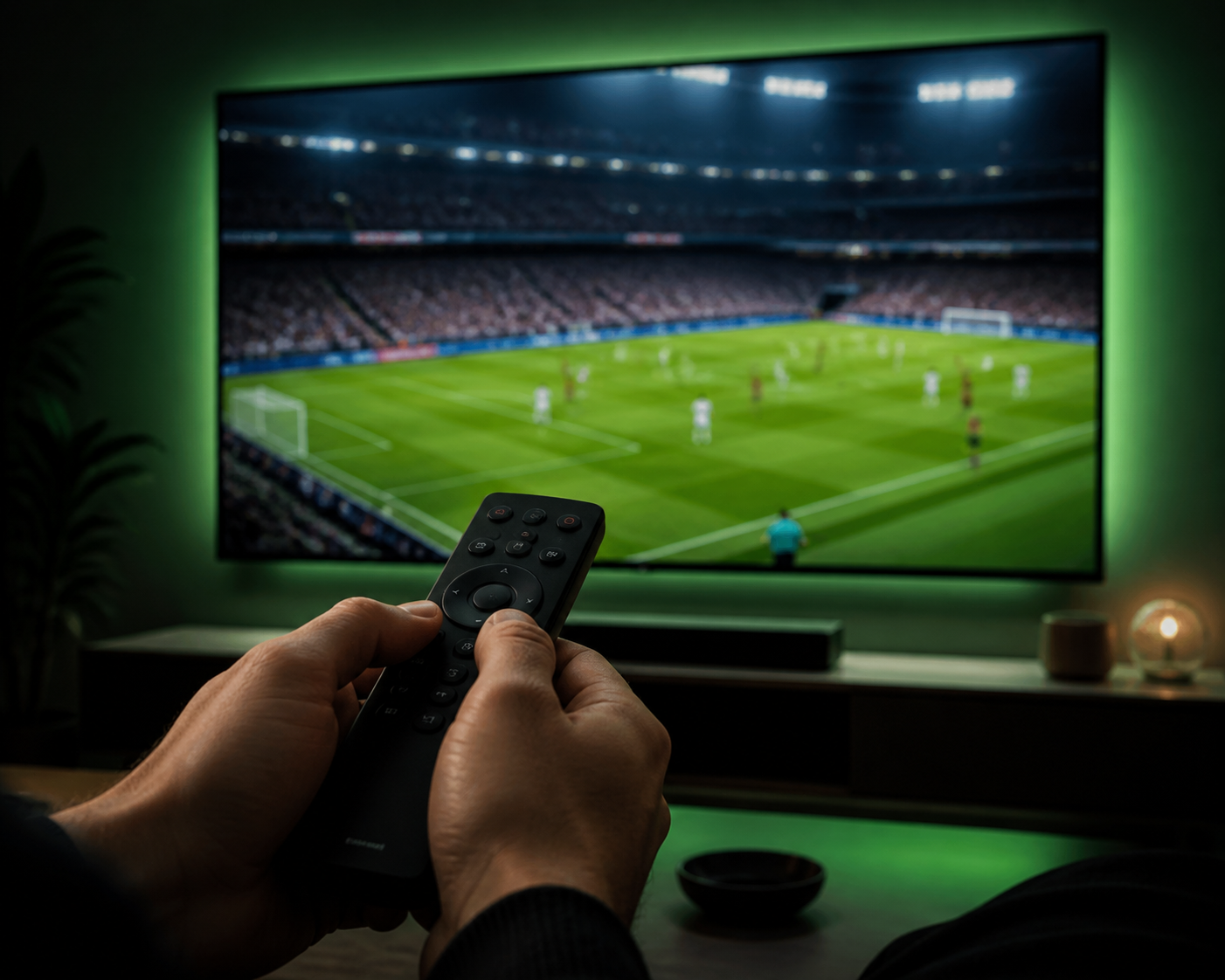
- Samsung TV: no extra hardware, official app store, remote-friendly interface. Ideal if your TV is from 2016 or newer.
- Firestick: better for older TVs, more app options, Alexa search, and you can take it to another TV or abroad.
The good news: a BEST4K subscription works on both, plus your phone, tablet and computer. One login, every screen. Most households start on Firestick and add the Samsung TV in the bedroom later — or the other way around.
Picture Quality on Samsung: 4K HDR
Samsung QLED models support 4K and HDR, which pairs beautifully with our 4K channels and the 4K titles in the VOD library. On a modern Samsung with a 25 Mbps+ connection, you'll notice the difference instantly: crisp sports, deep blacks and vibrant HDR colors.
For the best experience, connect your TV by Ethernet rather than Wi-Fi if you can — it keeps 4K streams rock solid. And if you ever hit buffering, our anti-freeze servers and 24/7 support are on your side.
Get BEST4K on Your Samsung TV
Try it free first
Start with the 24-hour free trial. We activate full access on WhatsApp, guide you through the Samsung setup, and you judge the picture quality on your own TV before paying anything.
Plans
- 3 months — £25.99 (£8.66/month)
- 6 months — £39.99 (£6.67/month)
- 12 months — £64.99 (£5.41/month) — best value
Every plan includes the full channel list, VOD library, EPG, catch-up and 24/7 support. Optional +£5 adult channels add-on available.
WhatsApp: +44 7853 116 533 • Telegram: @Tv8ku
Free 24h trial • We guide you through the Samsung setup step by step
IPTV for Samsung Smart TV — FAQ
Do I need any extra hardware for IPTV on my Samsung TV?
No. If your Samsung Smart TV was made around 2016 or later, it can run the IPTV app directly from the Smart Hub — no Firestick, no box, no dish.
Why can't I find the IPTV app on my Samsung?
Older Samsung models may lose support for certain apps. Search the Smart Hub for IPTV Smarters first; if it's missing, a Firestick is the best way to keep using your TV with IPTV.
Does BEST4K work on QLED and The Frame TVs?
Yes. Any Samsung Smart TV with the Smart Hub runs our service, including QLED, Crystal UHD, The Frame and Serif models.
How do I move my subscription to another device?
Your login works on as many devices as you own (one stream at a time on standard plans). Install the app, enter the same details, done.