
1. Message us on WhatsApp → 2. Choose a plan → 3. Pay → 4. Receive login → 5. Watch
Total time: under 10 minutes

How Can I Get an IPTV Subscription? Start Here
"How can I get an IPTV subscription?" is one of the most searched questions in the UK — and the answer is simpler than most people think. You don't need an engineer, a dish, or a contract. You need a provider, a plan, a device you already own, and about ten minutes.
Step 1: Choose a Provider You Can Trust
This is the only step that actually takes research, so don't skip it. A good provider shows you:
- ✅ A real website with clear pricing (not just a Telegram channel)
- ✅ A free trial — confident providers always offer one
- ✅ A money-back guarantee
- ✅ Legal pages: terms, privacy policy, refund policy
- ✅ Contactable 24/7 support
BEST4K ticks every box: a proper site, a 24-hour free trial, a 7-day guarantee, full legal pages and human support on WhatsApp and Telegram around the clock.
Step 2: Pick the Right Plan
Plans are usually sold in 1, 3, 6 or 12-month blocks. Longer plans give the best monthly rate. Here's how ours compare:
- 3 months — £25.99 (£8.66/month). Ideal for testing the service through a full season.
- 6 months — £39.99 (£6.67/month). The middle ground for most households.
- 12 months — £64.99 (£5.41/month). Best value; our most popular plan.
Every plan includes the identical full package: 120,000+ channels, 160,000+ VOD titles, 4K/FHD/HD quality, EPG, 7-day catch-up and 24/7 support. The only difference is duration. You can also add the optional +£5 adult channels add-on.
Step 3: Message Us on WhatsApp or Telegram
Once you've chosen your plan, you don't fill in complex forms — you simply message us. It's the fastest channel, and it means a real person confirms your order and answers any last questions before you pay.
💬 WhatsApp: +44 7853 116 533 — tap to open the chat
✈️ Telegram: @Tv8ku
Step 4: Pay Securely
We accept credit/debit cards, PayPal, bank transfer and USDT crypto. Payments are processed securely and we never store your card details. As soon as payment clears, we generate your login — username, password and server URL (Xtream Codes format).
Step 5: Install the App and Start Watching
Now for the fun part. Install a free IPTV player app on your device:
- Firestick / Fire TV: install IPTV Smarters via Downloader — full guide on our Setup Guide
- Smart TV: IPTV Smarters or TiviMate from your TV's app store
- Android / iPhone: IPTV Smarters Pro from the app store
- PC / Mac: VLC, MyIPTV Player or Smarters desktop
Enter your login, and you're live. If you hit any snag, we walk you through it personally — every subscription includes setup support, at no extra cost.
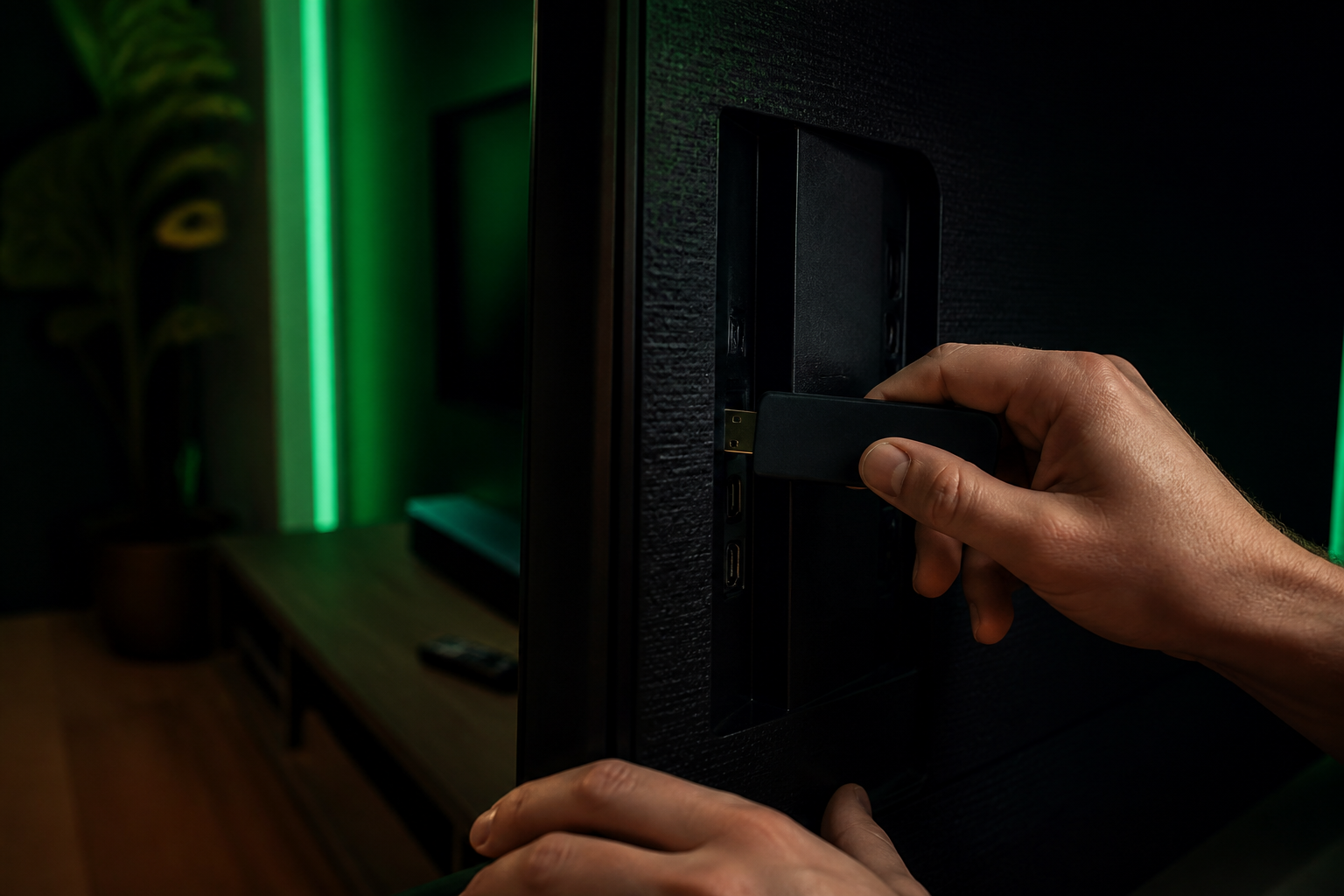
Can I Really Get IPTV Today?
Yes — and that's the beauty of it. No waiting for installation appointments, no visits, no truck rolls. Message us before your evening kicks off and you'll be streaming in time for the match. The 24-hour free trial is available right now, too.
WhatsApp: +44 7853 116 533 • Telegram: @Tv8ku
Free 24h trial available now — no card required
How to Get an IPTV Subscription — FAQ
Do I need special equipment to get IPTV?
No. If you have a Firestick, Smart TV, phone, tablet or computer with an internet connection, you have everything you need. No dish, no aerial, no box rental.
How long does activation take?
Activation is instant. After payment, your login details are sent on WhatsApp within minutes.
Can I try IPTV before subscribing?
Yes — request the free 24-hour trial first. Full access to all channels and VOD, no credit card required, no commitment.